
TV Stand Solution Finder
Select your TV's VESA mounting pattern (measure the distance between the four screw holes on the back of your TV in millimeters).
75x75 mm
Small TVs (up to 32")100x100 mm
Medium TVs (32"-43")200x200 mm
Large TVs (43"-55")400x400 mm
Extra Large TVs (55"+)Recommended Solution
Safety Checklist
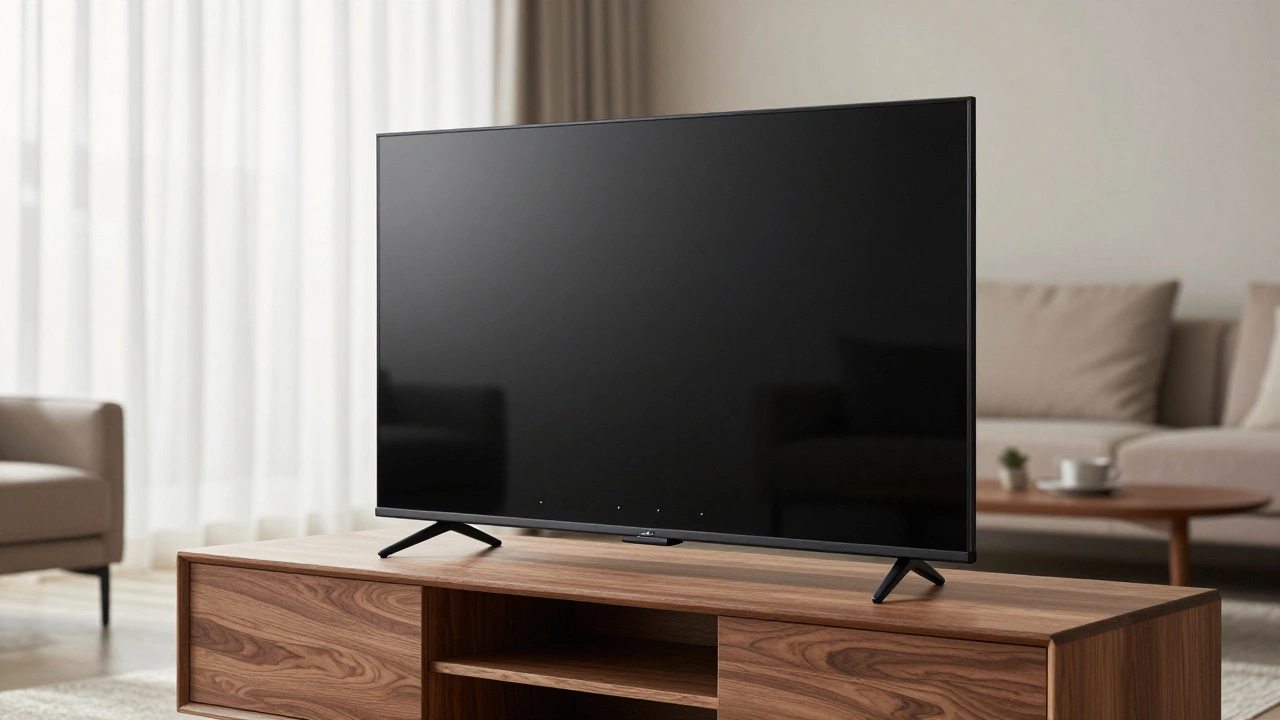
You just unboxed your new television, only to realize the box contained nothing but the screen and some cables. No base. No legs. Just a flat slab of glass and electronics. It happens more often than you might think, especially with modern OLEDs or high-end gaming monitors that are designed primarily for wall mounting. So, what do you do when you have a TV that doesn't have a stand? You don’t need to panic, and you certainly don’t need to return it. There are plenty of creative, stable, and stylish ways to display your TV without the original manufacturer’s base.
Why Modern TVs Often Skip the Stand
Before we jump into solutions, it helps to understand why this is happening. Manufacturers like Samsung, LG, and Sony are increasingly designing their premium models as "wall-first" devices. The goal is a sleek, minimalist look where the TV appears to float on the wall. This design reduces material costs slightly but mostly focuses on aesthetics and reducing the footprint if mounted. However, not everyone wants to drill holes in their drywall or rent a place where they can’t modify the walls. If you fall into the camp of people who prefer a traditional setup on a media console or table, you’re left with a puzzle: how to keep this top-heavy device upright and safe.
Option 1: Buy a Universal VESA Mount Base
The most direct solution is to replace the missing stand with a universal one. Almost every TV made in the last decade uses a standard mounting pattern called VESA (Video Electronics Standards Association). Look at the back of your TV; you’ll see four screw holes arranged in a square or rectangle. Measure the distance between these holes horizontally and vertically (e.g., 200x200mm or 400x400mm).
Once you have those measurements, you can buy a "universal TV stand base" or a "VESA adapter kit." These are aftermarket bases that attach directly to those screw holes. They come in various styles:
- Pedestal bases: A single central column that holds the TV up, great for small tables.
- Dual-leg stands: Mimic the look of factory stands with two feet on either side.
- Adjustable risers: Allow you to tilt the screen forward for better viewing angles while sitting on a couch.
This is the safest bet for stability because it connects directly to the TV’s reinforced chassis. Just ensure the base you buy supports the weight of your specific model. A 65-inch TV can weigh over 50 pounds, so cheap plastic bases won’t cut it. Look for aluminum or steel construction.
Option 2: Wall Mounting (The Intended Design)
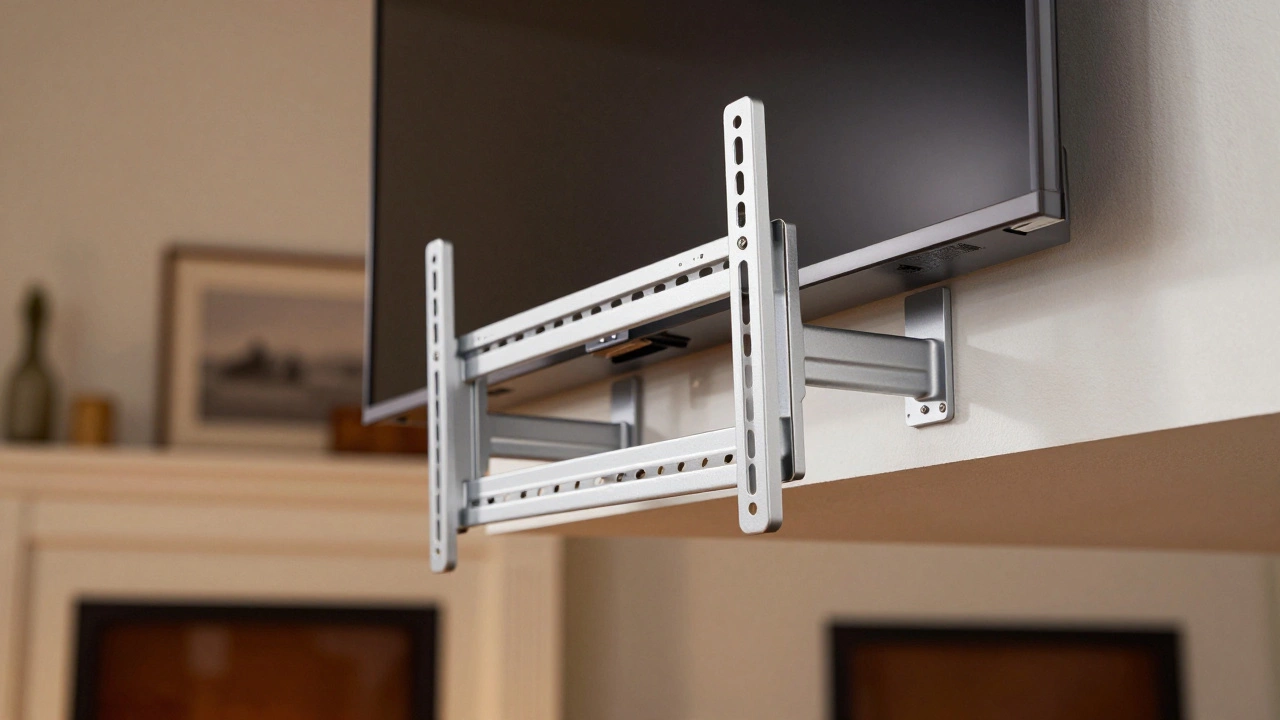
If your TV was designed without a stand, the manufacturer likely intended for it to be wall-mounted. This is often the cleanest and most secure option. You aren’t fighting gravity with a makeshift base; you’re using the wall structure itself.
There are three main types of wall mounts to consider:
- Fixed mounts: Hold the TV flush against the wall. Best for saving space and achieving that "floating" look.
- Tilting mounts: Allow you to angle the screen down. Useful if the TV is mounted higher up, above a fireplace, for example.
- Full-motion articulating mounts: Let you pull the TV out from the wall and swivel it left or right. Great for rooms with multiple seating areas.
To do this safely, you must find the studs in your wall. Drywall alone cannot hold the weight of a large TV. Use a stud finder to locate the wooden or metal framing behind the wall. If you’re renting and can’t drill, look into freestanding TV poles or heavy-duty floor-standing TV carts that mimic a wall mount but rest on the floor.
Option 3: Freestanding TV Carts and Trolleys
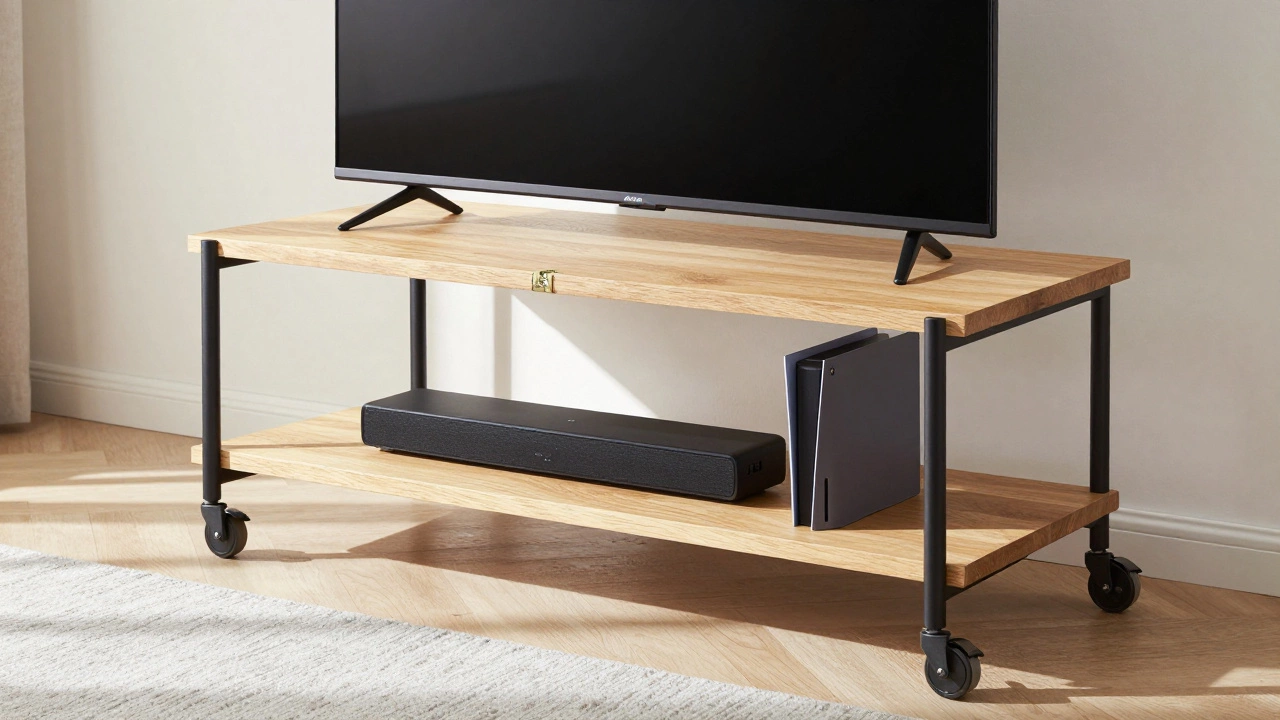
If you want flexibility and don’t want to commit to a permanent wall mount or a fixed base, a freestanding TV cart is an excellent alternative. These are essentially rolling desks or pedestals designed specifically for televisions. They usually have a flat platform where you can place the TV, and many include shelves for soundbars, game consoles, or cable boxes.
This is particularly useful for:
- Renters: No drilling required. You can move the TV from room to room.
- Multi-purpose rooms: Move the TV to the kitchen for cooking shows, then roll it to the living room for movie night.
- Temporary setups: Perfect for dorm rooms, Airbnb rentals, or temporary office spaces.
Just make sure the cart has a wide enough surface area to support the width of your TV. If the TV is wider than the cart, it will look precarious and could tip over if bumped. Look for carts with locking wheels to prevent accidental movement.
Option 4: Floating Shelves and Media Consoles
Another popular route is placing the TV on a sturdy piece of furniture. While you can’t just set a stand-less TV on a table (it will slide off), you can use a combination of a low-profile VESA bracket and a floating shelf, or simply place the TV on a deep, sturdy media console if you add a non-slip pad and perhaps a small adhesive mount to keep it from sliding.
However, the best approach here is to install a thick, load-bearing floating shelf. Ensure the shelf is anchored securely into wall studs. Place the TV on the shelf, and if needed, use a small L-bracket attached to the back of the TV and the wall behind the shelf for extra security. This creates a clean, built-in look without needing a dedicated TV stand base.
Alternatively, if you have a large bookshelf or cabinet, you can remove a section of the backing and mount the TV directly onto the frame of the furniture, making it appear as if it’s integrated into the unit. This requires some DIY skill but results in a highly customized look.
Option 5: Creative DIY Solutions
If you’re handy with tools, you can create a custom solution. For example, you can build a simple wooden base that matches your home decor. Cut two pieces of wood to match the width of your TV’s bottom edge, attach them to a central support beam, and bolt this assembly to the VESA holes on the back of the TV. This allows you to choose the height, color, and material of your stand.
Another creative idea is using a ceiling mount. If your room has high ceilings or exposed beams, a motorized ceiling drop-down mount can lower the TV when needed and hide it away when not in use. This is common in home theaters but works well in any room where wall space is limited.
Safety First: Stability Is Key
No matter which option you choose, safety should be your top priority. A TV without a stand is top-heavy and prone to tipping. Always follow these guidelines:
- Check weight limits: Ensure your chosen solution can support the full weight of the TV.
- Secure connections: Tighten all screws firmly. Use thread-locking fluid on critical bolts if necessary.
- Anti-tip kits: If placing the TV on a piece of furniture, always use an anti-tip strap to anchor the TV to the wall or the furniture itself.
- Cable management: Loose cables can pull on the TV or become tripping hazards. Use cable ties or sleeves to keep things tidy.
Conclusion: Choosing the Right Path
Having a TV without a stand isn’t a dealbreaker; it’s an opportunity to customize your viewing setup. Whether you opt for a universal VESA base for simplicity, a wall mount for a sleek look, or a freestanding cart for flexibility, there’s a solution that fits your lifestyle and space. Assess your room’s layout, your budget, and your willingness to do some installation work. With the right choice, your TV will look intentional and stay safe for years to come.
Can I put a TV without a stand on a regular table?
Not directly. Without a base, the TV has no way to sit flat and stable. It will likely slide off or tip over. You need to attach a universal VESA base to the back of the TV first, or use a wall mount. If you must place it on a table, ensure the table is very sturdy and consider using an anti-tip strap.
How do I find the VESA size of my TV?
Look at the back of your TV for four screw holes. Measure the horizontal distance between the outer holes and the vertical distance between the outer holes in millimeters. For example, if the holes are 200mm apart horizontally and 200mm apart vertically, your VESA size is 200x200. This information is also usually listed in the TV's user manual or on the manufacturer's website.
Is wall mounting safer than using a stand?
Generally, yes. When installed correctly into wall studs, a wall mount provides a very secure attachment point. Stands rely on friction and balance, which can be compromised by bumps or uneven surfaces. However, improper wall mounting (e.g., into drywall only) is extremely dangerous. Always use anchors rated for the TV's weight and locate studs.
Can I use a universal TV stand for any TV?
Most universal stands work with TVs that have standard VESA patterns. However, you must check two things: the VESA hole pattern compatibility and the weight limit. Some older or very large TVs may have non-standard hole placements or exceed the weight capacity of cheaper universal stands.
What if I rent and can't drill holes in the wall?
If you can't drill, avoid wall mounts. Instead, use a freestanding TV cart, a universal VESA base placed on a sturdy media console, or a ceiling mount if your lease allows minor modifications. Freestanding options are the safest and most flexible for renters.