TV Support Recommendation Tool
Answer a few questions to find the perfect support solution for your stand-less TV.
Our Recommendation:
Quick Fixes for Missing TV Legs
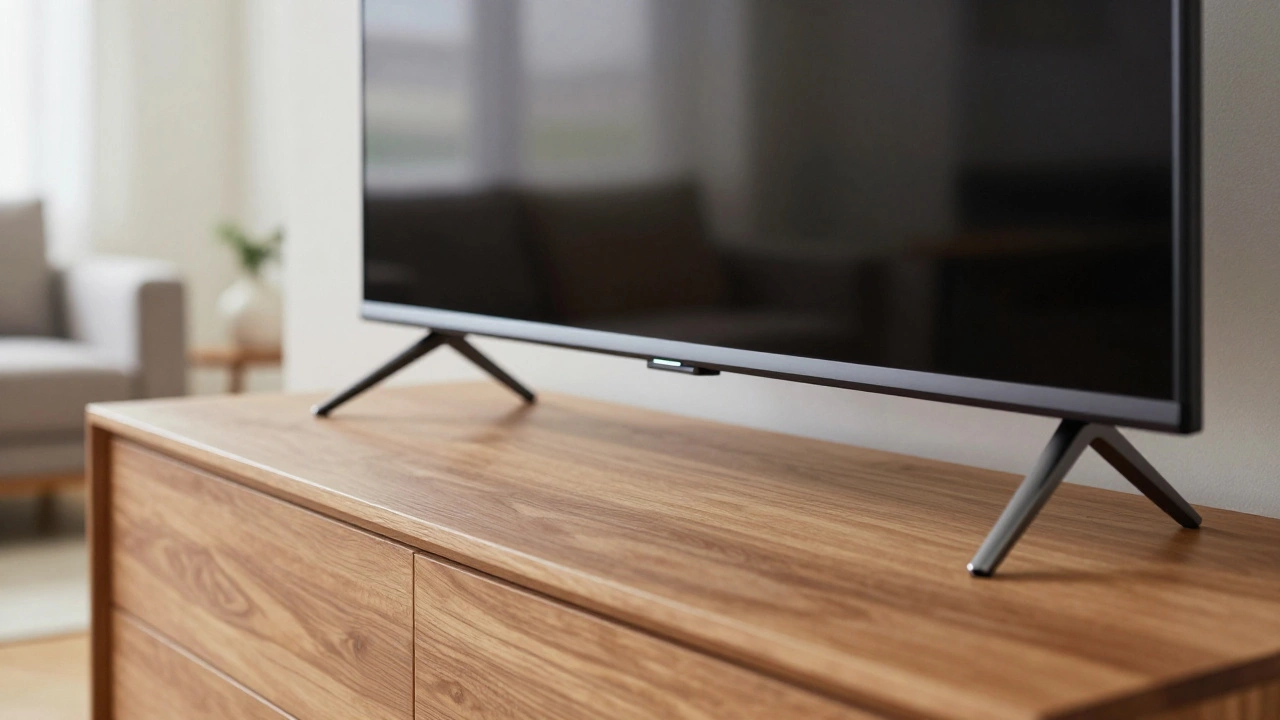
- Universal TV Feet: These are the fastest way to get a TV sitting on a table again.
- Wall Mounting: The gold standard for saving space and adding a clean look.
- Tabletop Pedestals: A single-post stand that replaces the two-legged design.
- Floor Stands: Great for those who can't drill into their walls.
The Universal Leg Solution
If you just need the TV to stay upright on a piece of furniture, Universal TV legs is your best bet. These aren't the fancy, branded feet that come in the box; they are heavy-duty adjustable brackets designed to fit almost any screen. Most of these legs attach to the VESA mount holes on the back of the TV-those four screw holes arranged in a square or rectangle.
The beauty of universal legs is that they don't care if your TV is a Samsung, Sony, or LG. You just slide them into the back, tighten a few bolts, and you have a stable base. Just make sure to check the weight limit. If you have a massive 85-inch LED, a cheap set of plastic legs might bow under the pressure. Look for steel-reinforced options that support at least 50 lbs for medium screens.
Going Vertical with Wall Mounts
When you don't have a stand, it is the perfect excuse to stop using one. Wall mounting is the most secure way to handle a stand-less TV. It completely removes the risk of the TV tipping over, which is a huge deal if you have kids or pets.
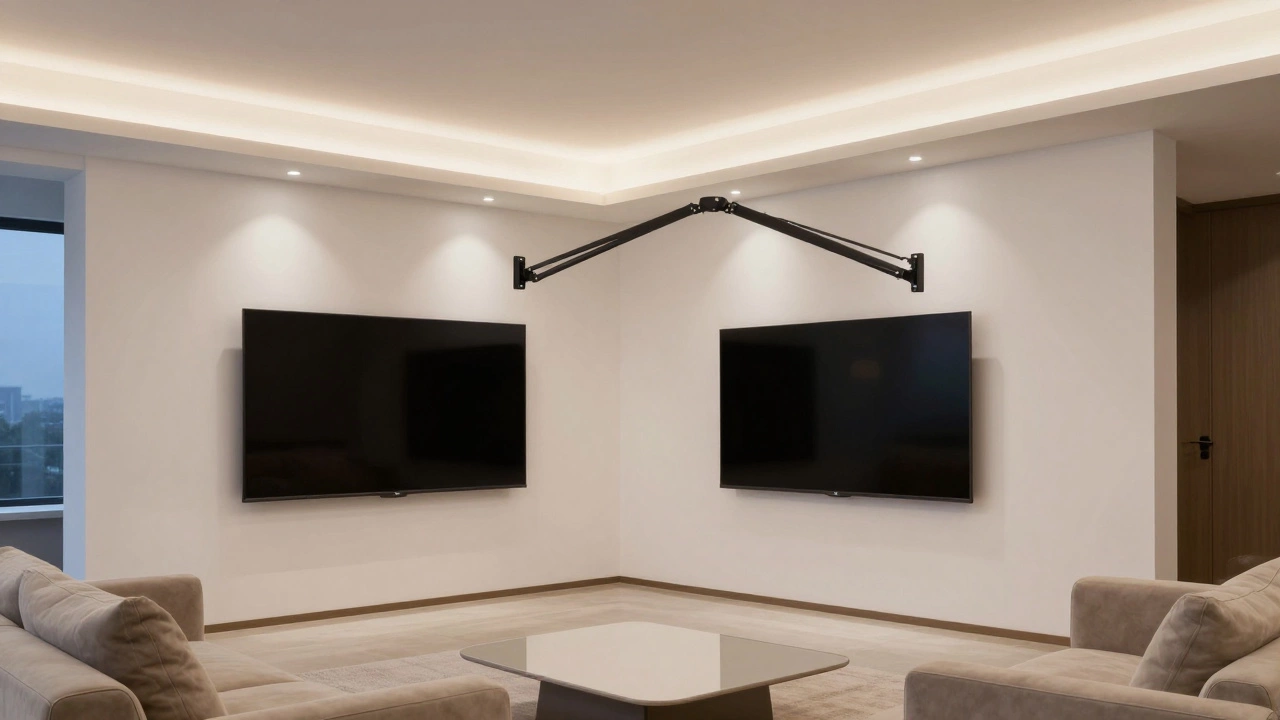
You have three main types of mounts to choose from. First, there is the fixed mount, which keeps the TV flush against the wall like a piece of art. It is the cheapest and simplest, but you can't adjust the angle. Then there is the tilting mount, which lets you angle the screen down to stop glare from overhead lights. Finally, there is the full-motion arm, or articulating mount. This lets you pull the TV away from the wall and swivel it toward the kitchen or a side chair.
To do this right, you absolutely must find the studs in your wall. Drilling into just drywall will result in your expensive TV ending up on the floor in about ten minutes. Use a stud finder and ensure your lag bolts are driven deep into the wooden beams. If you are renting and can't drill, keep reading.
| Option | Installation Effort | Cost | Best For... |
|---|---|---|---|
| Universal Legs | Low | $ | Quick setup on existing furniture |
| Fixed Wall Mount | Medium | $ | Clean, permanent look |
| Full-Motion Mount | Medium | $$ | Viewing from different angles |
| Floor Stand | Low | $$ | Renters or non-drillable walls |
The No-Drill Alternative: Floor Stands
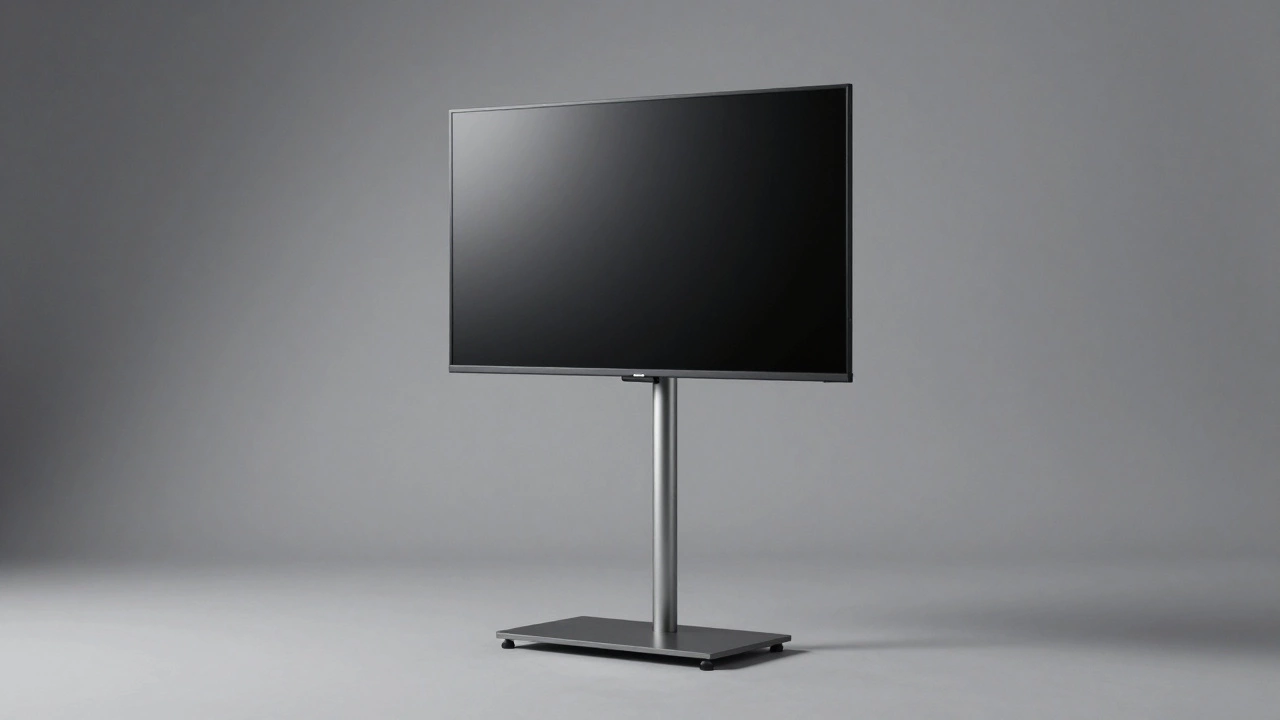
Not everyone can put holes in their walls. Maybe you're in a rental apartment with a strict lease, or you have concrete walls that are a nightmare to drill. In this case, a TV Floor Stand is a lifesaver. Think of this as a professional easel for your television.
These stands typically consist of a heavy weighted base and a vertical pole. The TV attaches to the pole via the VESA holes. Because the weight is distributed across a wide base, it's incredibly stable. Some of these even come with wheels, allowing you to move the TV from the bedroom to the living room whenever you want. It's a more flexible choice than a traditional TV console because it takes up way less floor space.
Using a Tabletop Pedestal
If you hate the look of two separate legs on the edges of your screen, a tabletop pedestal is the way to go. This is a single, central leg that supports the TV from the middle. It gives the TV a more "premium" look and actually makes it easier to fit the TV on smaller furniture pieces where the wide-set original legs wouldn't fit.
When buying a pedestal, check the VESA pattern. This is the measurement (in millimeters) between the holes on the back of your TV. Common sizes are 200x200 or 400x400. If the pedestal doesn't match your VESA pattern, it won't screw in. Most pedestals come with a variety of screws and spacers, but it's always worth double-checking your TV's manual or measuring the back with a ruler before buying.
Safe Setup and Common Pitfalls
Regardless of which method you choose, the most dangerous part of the process is the actual installation. Never try to screw a mount into the back of a TV while it is facing down on a hard surface. You can easily crack the screen. Lay the TV face-down on a soft blanket or a piece of foam.
Another mistake is over-tightening the screws. TV frames are mostly plastic; if you crank the screws too hard, you'll strip the threads and the mount will become wobbly. Tighten them until they are snug, then give them one more small turn. If you're using a wall mount, always have a second person help you lift the TV into the bracket. A 55-inch TV is awkward and heavy; trying to balance it on a wall bracket alone is a recipe for a broken screen.
Choosing the Right Support for Your Space
Deciding which path to take usually depends on your long-term goals for the room. If you're planning to move in six months, don't bother with the wall mount. Stick to universal legs or a floor stand that you can pack up easily. If you're turning a spare room into a permanent home theater, the wall mount is the only choice that truly maximizes your space.
Consider the height of your eyes when sitting. A common error is mounting the TV too high-the "TV too high" syndrome. Your eyes should be level with the middle of the screen. If you use a floor stand or a tall dresser with universal legs, you can adjust the height more easily than once a wall mount is bolted in. If you find your TV is too high, you might end up with neck strain after an hour of watching a movie.
Can I use any screws for universal TV legs?
No, you must use the screws that come with the stand or check your TV manual for the specific thread size (usually M4, M6, or M8). Using screws that are too long can puncture the internal components of your TV, while screws that are too short won't hold the weight and could cause the TV to fall.
What is a VESA pattern and why does it matter?
VESA is the industry standard for the distance between the four mounting holes on the back of a TV. It's measured in millimeters (e.g., 300x300). It matters because your stand or wall mount must match this pattern to fit securely. If you buy a mount that is too small or too large, the holes won't align.
Are universal legs as stable as the original ones?
Yes, as long as you buy a high-quality set made of steel. Because they attach to the VESA holes (which are designed to hold the full weight of the TV for wall mounting), they are often just as stable, if not more so, than the original plastic legs.
Can I lean my TV against the wall if I don't have a stand?
It is highly discouraged. TVs are top-heavy and the screens are fragile. A slight bump or a pet walking by could cause the TV to slide or tip, leading to a shattered panel. Always use a proper support system.
Do I need a professional to install a wall mount?
Not necessarily, but you need a stud finder and a drill. If you aren't comfortable identifying wall studs or using a power drill, hiring a professional is worth it to ensure your TV doesn't crash through the drywall.