TV Placement Safety Calculator
Check Your TV Placement Safety
Answer these questions to determine if your TV placement is safe and optimal.
Your Room Setup
Placement Factors
Safety Assessment
Putting your TV in the wrong spot isn’t just annoying-it can ruin your movie nights, fry your electronics, or even create a safety hazard. You’ve bought a new TV, spent time picking the perfect stand or wall mount, and now you’re ready to set it up. But before you plug it in, ask yourself: Where not to put TV? This isn’t about aesthetics. It’s about function, safety, and longevity.
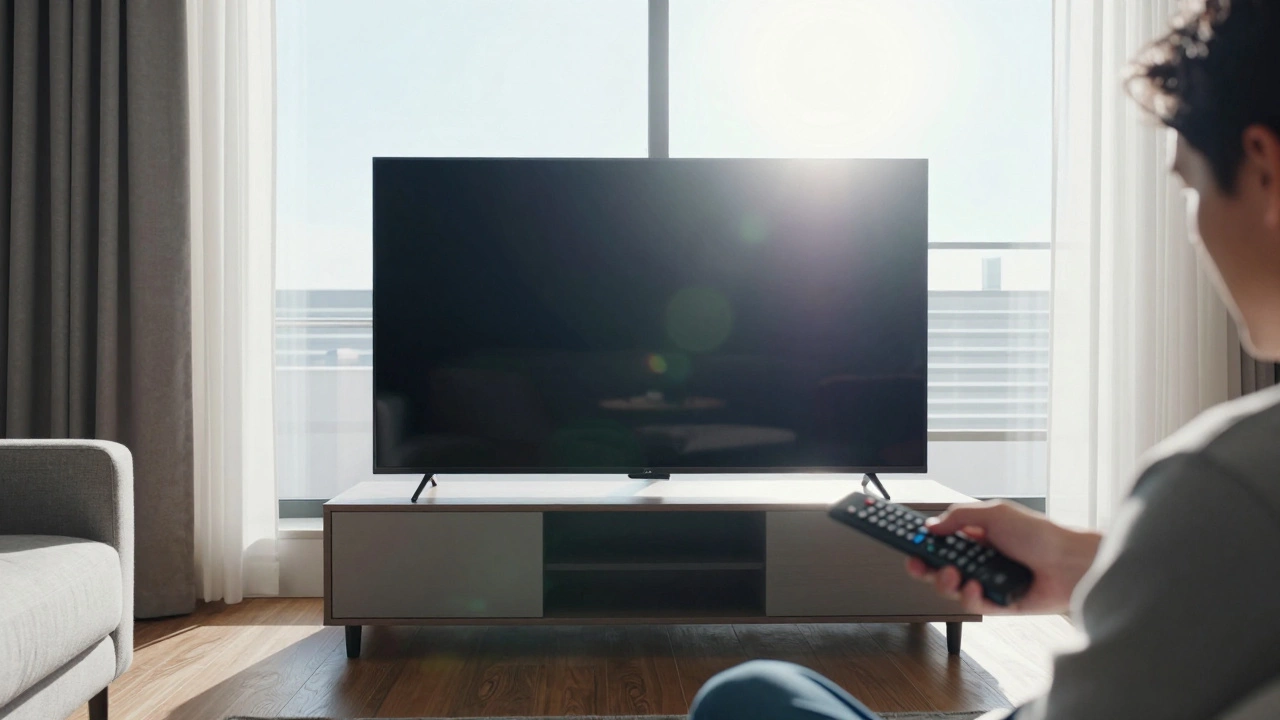
Don’t Put It Directly Across From a Window
It seems logical: you want to watch TV during the day, so place it across from the biggest window for natural light. But sunlight hitting the screen creates glare that makes everything look washed out. Even the best 4K TVs struggle when the sun’s angle hits just right. In Wellington, where afternoon light streams through windows for hours, this is a daily problem. You’ll end up pulling blinds shut every time you want to watch something. Instead, position your TV perpendicular to windows or use blackout curtains on the side where light comes in. If you’re stuck with a window-facing wall, go for an anti-glare screen protector-those matte finishes make a real difference.
Avoid Heat Sources Like Fireplaces and Radiators
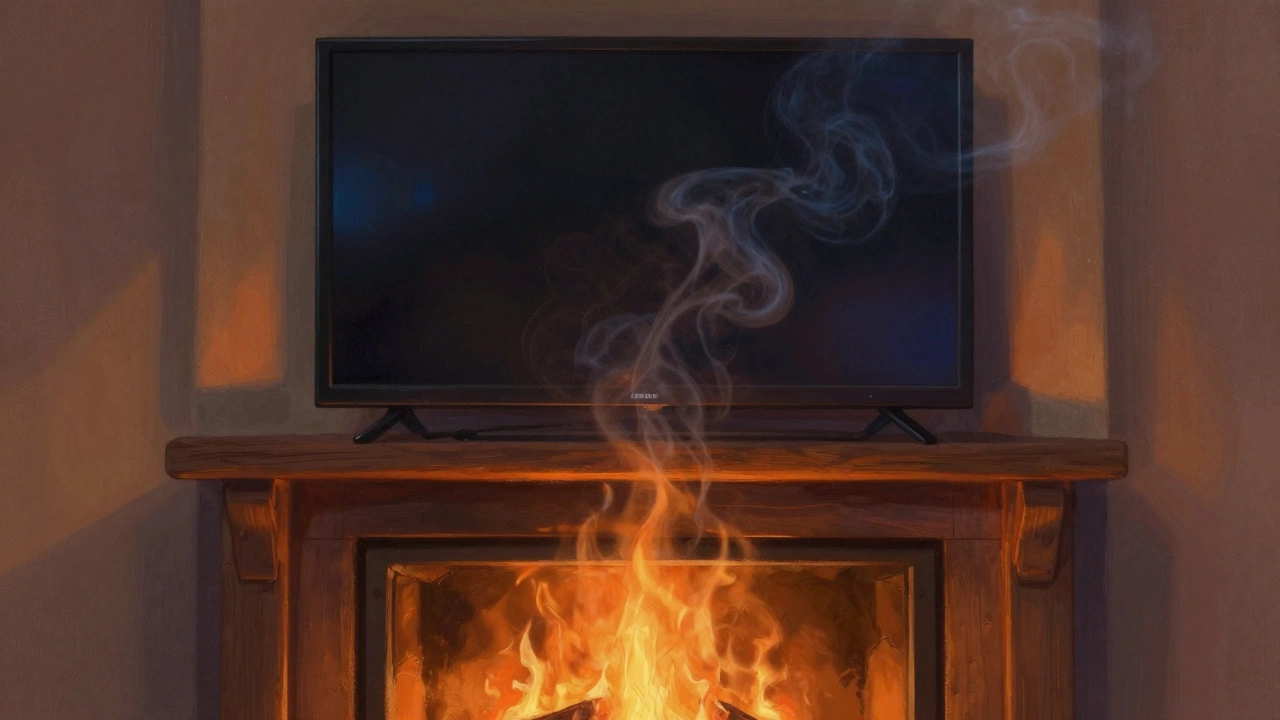
Heat is the silent killer of electronics. Placing your TV above a wood-burning fireplace or right next to a baseboard heater might look cozy, but it’s a bad idea. TVs generate their own heat, and when you add external warmth, the internal components overheat faster. This shortens the lifespan of the panel, the backlight, and even the speakers. In older homes with poor ventilation, the temperature near a radiator can hit 35°C during winter. That’s way above the 32°C maximum most manufacturers recommend. If you want the TV above the fireplace, install a heat shield or use a wall mount that pulls the TV out a full 15 cm from the wall. That extra space lets heat escape instead of building up.
Never Put It on a Narrow or Unstable Shelf
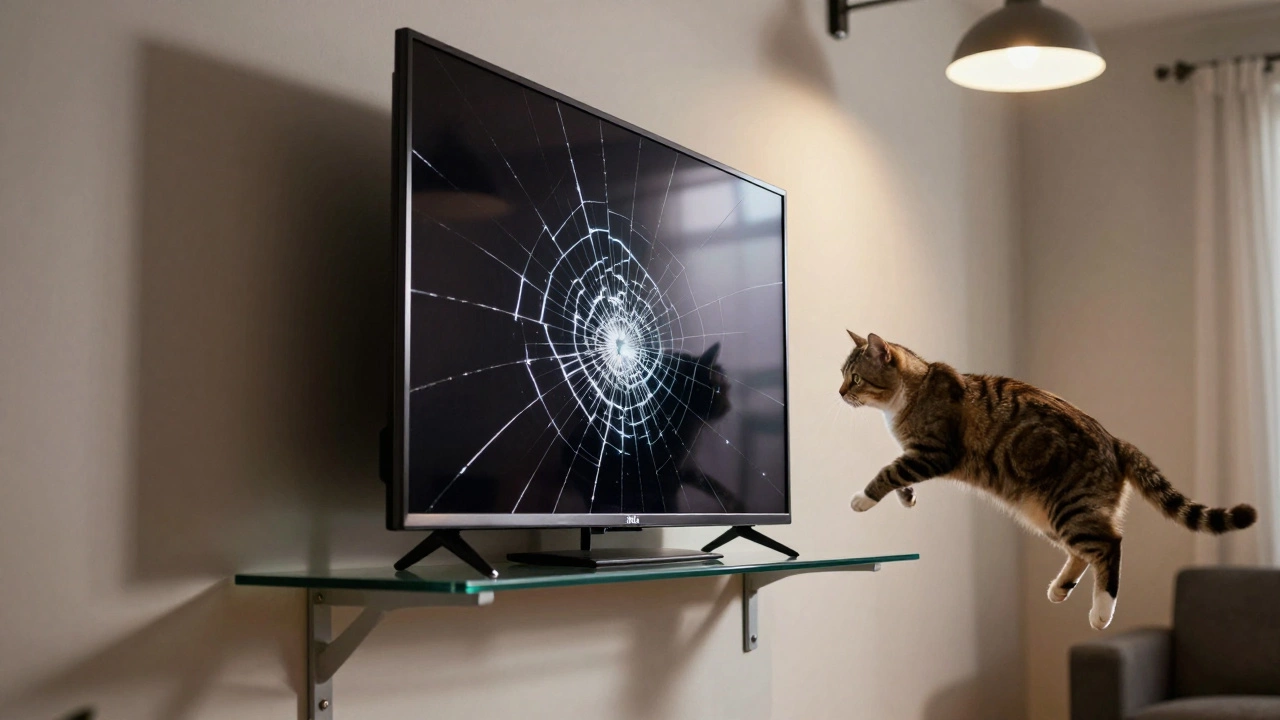
That cute little console table you picked up at the flea market? It might look great, but if it’s too narrow or wobbly, it’s not safe for your TV. Most 55-inch TVs weigh between 18 and 25 kg. A shelf that’s less than 70% of the TV’s width can’t support it properly. And if the shelf isn’t anchored to the wall? You’re one clumsy pet or kid away from a $2,000 disaster. Look for furniture with a weight rating clearly labeled. If it doesn’t say “supports up to 30 kg,” assume it doesn’t. Also, avoid glass shelves unless they’re at least 10 mm thick and have reinforced edges. I’ve seen too many cracked screens from cheap stands that looked fine until they weren’t.
Don’t Block the Vents
Your TV has vents-usually on the sides, back, or bottom. If you tuck it into a tight cabinet, shove it against the wall, or pile books and remotes around it, you’re suffocating it. Overheating causes color shifts, random shutdowns, and eventually, permanent damage. A study from the Consumer Electronics Association in 2023 showed that TVs placed in enclosed entertainment units had a 40% higher failure rate within three years. Make sure there’s at least 10 cm of open space behind the TV and 5 cm on each side. If you’re using a media console, check that the back panel has cutouts for cables and airflow. If it doesn’t, drill holes yourself. It’s cheaper than replacing the TV.
Avoid High-Traffic Areas
Is your TV in the middle of the hallway? Next to the front door? In the kitchen where people walk past every few minutes? This isn’t just distracting-it’s dangerous. People bump into stands. Kids run past and knock things over. Pets jump up. A TV that’s in a walkway is a waiting-for-an-accident. Even wall-mounted TVs can get hit if they’re too low. The ideal height is eye level when seated. That usually means the center of the screen should be about 100 cm from the floor. If your TV is lower than that, especially in a room with kids or pets, you’re asking for trouble.
Don’t Install It in a Bathroom or Laundry Room
Moisture and electronics don’t mix. Even if your bathroom has good ventilation, steam from showers can still creep into the TV’s vents. Salt air in coastal areas like Wellington makes it worse-corrosion builds up on circuits over time. You might think a waterproof TV is the answer, but most “splash-resistant” models only handle drips, not humidity. The same goes for laundry rooms. Washing machines vibrate, dryers blow hot air, and detergent fumes can corrode metal parts. If you really want a TV in these rooms, get a dedicated outdoor model rated for IP65 or higher. Otherwise, keep it out.
Avoid Direct Sunlight in Bedrooms
Bedroom TVs are popular, but placing one opposite a window that gets morning sun is a recipe for eye strain. Watching TV in a bright room forces your pupils to adjust constantly, which tires your eyes. It also makes colors look dull and blacks look gray. If you’re watching in bed, try mounting the TV on the wall beside the bed instead of across from the window. Use dimmable ambient lighting behind the TV to reduce contrast. If you can’t move it, install blackout curtains that seal tightly. A simple trick: if you can see your reflection on the screen at noon, it’s too bright.
Don’t Forget About Cable Management
It’s not just about where the TV sits-it’s about what’s behind it. If your power cord, HDMI cables, and soundbar wires are tangled, stretched, or pinched under the stand, you’re creating a fire risk and a maintenance nightmare. Cables get worn from constant tugging. Sharp edges on furniture can cut insulation over time. Use cable clips, sleeves, or a cable management box. If you’re wall-mounting, drill a hole in the wall behind the TV and run cables through it. That way, nothing’s hanging loose. And never use extension cords as permanent solutions-they overheat when hidden under rugs or furniture.
Stay Away From Areas With Strong Magnetic Fields
This one’s rare but real. Old CRT TVs were sensitive to magnets, but modern LED and OLED panels aren’t. Still, if you’re putting your TV right next to a large speaker system, a microwave, or a power transformer, you might get interference. You’ll see flickering, strange color patterns, or audio static. Keep your TV at least 1 meter away from any device with a powerful motor or transformer. If you have a home theater setup, mount the subwoofer on the opposite side of the room. Don’t assume “it’s fine because it’s new”-electromagnetic interference doesn’t care about brand names.
Don’t Put It Where You Can’t See It From Your Main Seating
This sounds obvious, but people do it all the time. You put the TV in the corner because it looked cool in the store. But when you sit on the couch, you have to twist your neck to the left. Or you mounted it too high, so you’re looking up at it like you’re in a church. The optimal viewing angle is 15 to 30 degrees below eye level. If you’re sitting on a deep sofa, your head is lower than you think. Test it: sit in your usual spot, close your eyes, then open them and look at the screen. If your eyes have to move more than a few centimeters to focus, it’s too high or too far. Use painter’s tape to mark the spot on the wall. Sit there for 10 minutes. If your neck hurts, move it.
| Mistake | Consequence | Fix |
|---|---|---|
| Across from a window | Glare, washed-out colors | Place perpendicular to light; use anti-glare film |
| Above fireplace | Overheating, shortened lifespan | Install heat shield; mount 15 cm away from wall |
| On narrow shelf | Instability, risk of falling | Use stand rated for 30 kg+; anchor to wall |
| Blocked vents | Overheating, shutdowns | Leave 10 cm behind, 5 cm on sides |
| In bathroom or laundry | Moisture damage, corrosion | Use IP65-rated outdoor TV or avoid entirely |
Final Rule: If It Feels Off, It Is
There’s no one-size-fits-all rule for TV placement. Your living room isn’t your neighbor’s. But your body knows when something’s wrong. If you’re squinting, leaning forward, craning your neck, or constantly adjusting the blinds-change it. Your TV is an investment. Treat it like one. Test the spot before drilling, screwing, or gluing anything down. Sit in the chair, turn on the TV, and watch for 20 minutes. If you’re comfortable, it’s good. If you’re not, move it. Simple as that.
Can I put my TV on a bookshelf?
Only if the shelf is wide enough (at least 70% of the TV’s width), sturdy enough to hold its weight (check the label), and has ventilation space behind it. Most decorative bookshelves aren’t built for TVs. If in doubt, use a dedicated TV stand.
Is it okay to mount a TV above a radiator?
No. Radiators can reach temperatures over 40°C, which exceeds the safe operating limit for most TVs. Even if the TV works now, long-term heat exposure will damage the internal components. If you must mount it there, use a heat shield and ensure at least 20 cm of clearance between the radiator and the TV.
What’s the safest height for a wall-mounted TV?
The center of the screen should be at eye level when seated-usually around 100 cm from the floor. This reduces neck strain and keeps the viewing angle comfortable. If you have a sectional or recliners, adjust slightly lower.
Can sunlight damage my TV permanently?
Yes. Long-term exposure to direct UV light can cause screen burn-in on OLED models and fade the outer casing. Even LED screens can develop color shifts over time. Use curtains, blinds, or UV-filtering window film to protect your TV.
Should I use a TV stand or wall mount?
Wall mounts save space and offer better viewing angles, but only if installed correctly into wall studs. TV stands are safer for renters or homes with kids and pets, as they’re harder to accidentally tip. Choose based on your room layout and safety needs-not just looks.
Next Steps
Before you plug in your TV, take a walk around the room. Look at it from every seat. Check for glare, heat sources, and obstructions. Measure the space. Read the manual’s temperature and ventilation specs. If you’re unsure, wait a day. Move it once. Test it. Then commit. A well-placed TV lasts longer, looks better, and gives you more enjoyment. Don’t rush it. Your future self will thank you.