
Gaming vs Office Chair Matchmaker
Tell us how you sit and work, and we'll score both chair types against your specific needs.
You sit down for work or a gaming session, and within two hours, your lower back starts to ache. You wonder if the problem is you, your desk height, or that chair you bought three years ago. The real question isn't just about style; it's about which seat actually supports your body when you're stationary for eight hours or more.
Many people assume Gaming Chairs are just flashy furniture with racing stripes. But they have evolved into serious ergonomic tools. On the other hand, Office Chairs are designed for professional environments, prioritizing subtle adjustments over bold aesthetics. Choosing between them depends on how you move, what you do, and where your pain points are.
The Core Difference in Design Philosophy
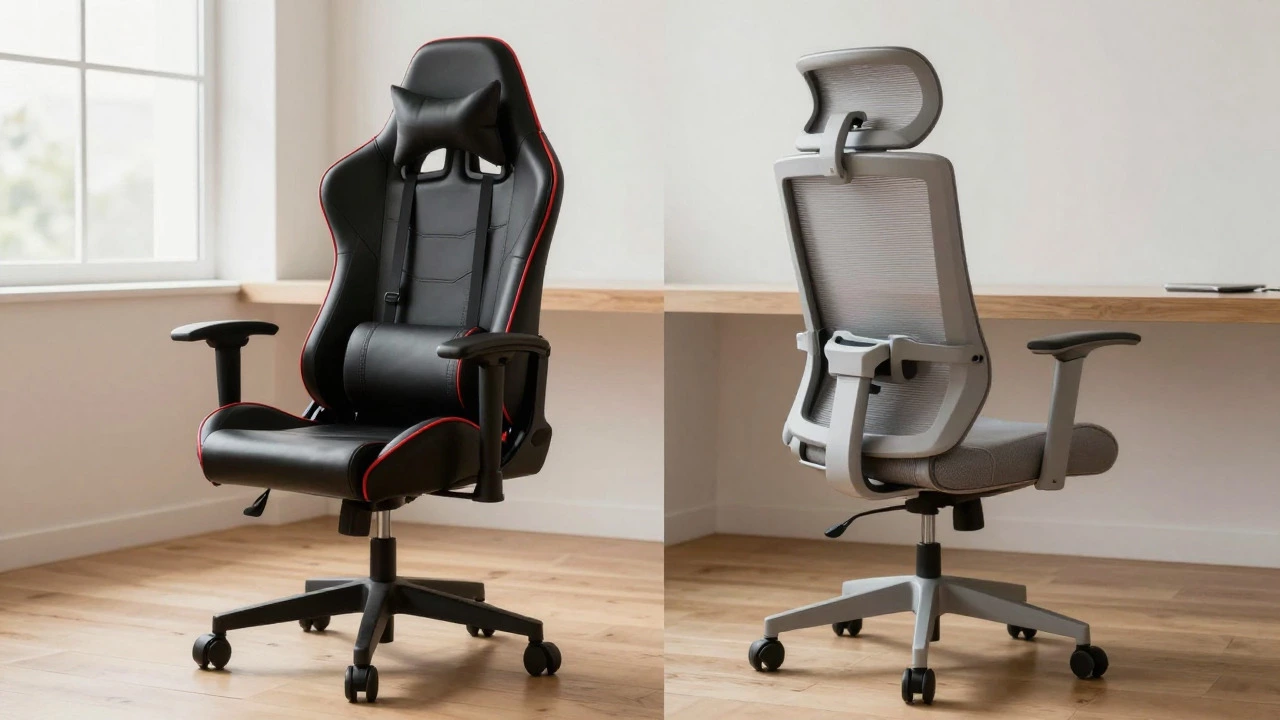
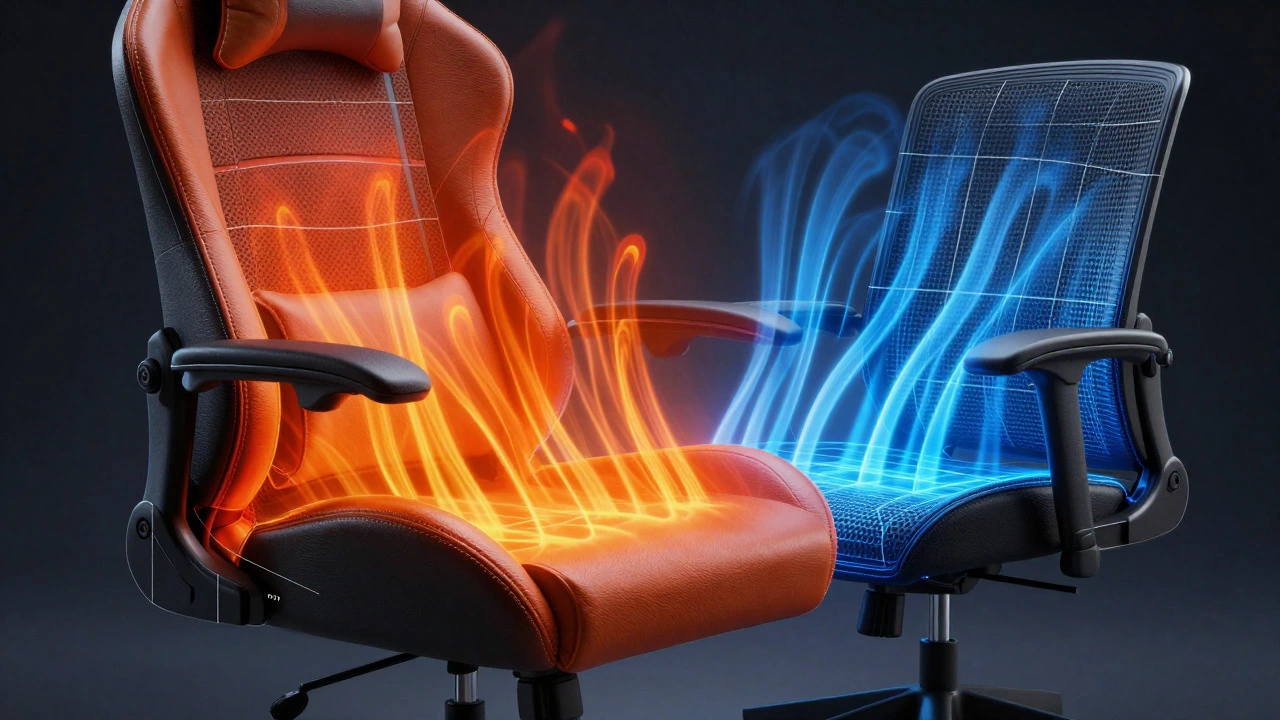
Gaming Chairs typically feature a bucket-seat design inspired by race cars. This creates a defined side profile that encourages an upright posture. They usually come with high backs that reach up to the head, offering neck support without needing a separate pillow. The materials are often synthetic leather or PU (polyurethane), which looks sleek but can get warm after long sessions.
In contrast, standard Office Chairs use mesh or fabric upholstery. Mesh allows air to flow through the backrest, keeping you cooler during hot days. The shape is generally more neutral, allowing for a wider range of movements. If you shift positions frequently-leaning forward to type, leaning back to think-an office chair often accommodates this better than the rigid structure of a gaming seat.
| Feature | Gaming Chair | Office Chair |
|---|---|---|
| Upholstery | Synthetic Leather / PU | Mesh / Fabric |
| Breathability | Low to Medium | High |
| Lumbar Support | Often Adjustable Pillow | Integrated or Dynamic System |
| Headrest | Usually Included | Optional Add-on |
| Armrests | 4D Adjustable (Height, Width, Depth, Angle) | 2D or 3D Adjustable |
| Aesthetic | Bold, Sporty, Customizable Colors | Neutral, Professional, Minimalist |
Ergonomics: Where Your Body Meets the Seat
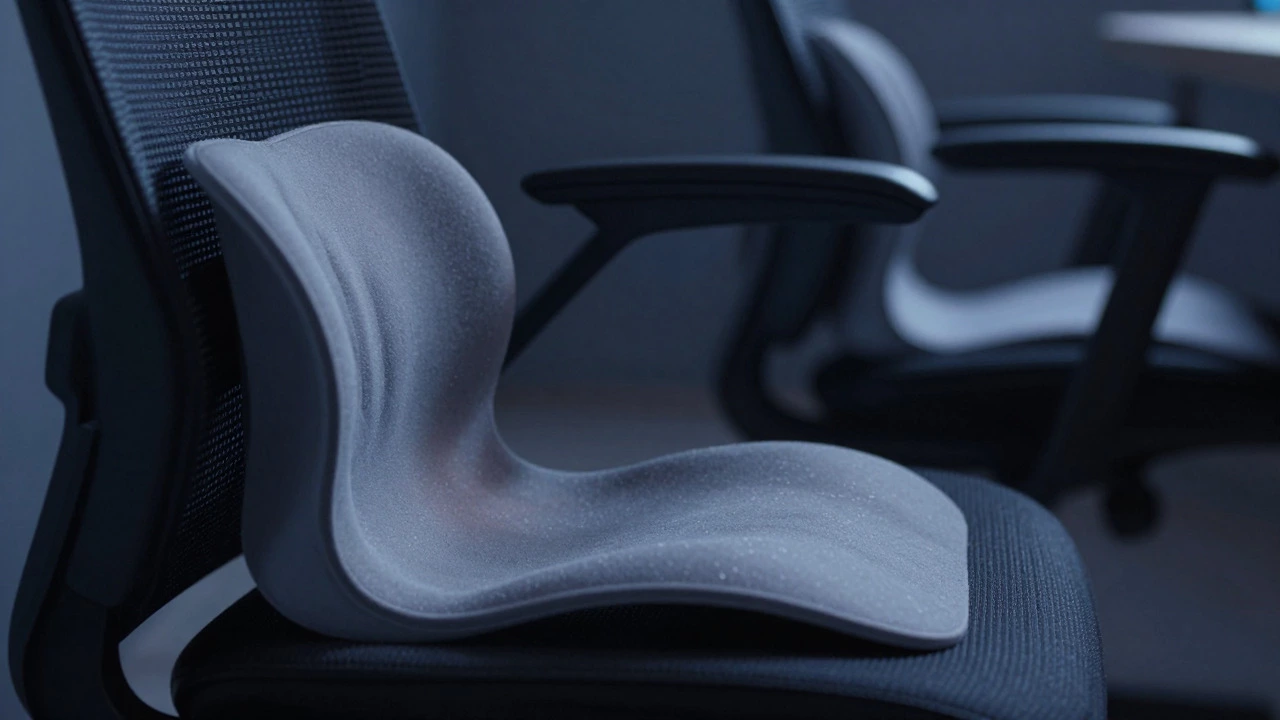
Your spine has natural curves, and maintaining them while sitting is critical. Lumbar Support is the most debated feature. Gaming chairs almost always include a removable lumbar pillow. This sounds convenient, but it’s not always ideal. If the pillow doesn’t match the exact curve of your lower back, it can push your pelvis forward, creating strain. You have to manually position it every time you sit down, which many people forget.
High-end Ergonomic Office Chairs often use dynamic lumbar systems. These adjust automatically as you lean back or forward. Brands like Herman Miller or Steelcase engineer these mechanisms to track your spine’s movement. It feels less like fighting the chair and more like the chair adapting to you. For those who suffer from chronic lower back pain, this adaptive technology is a game-changer.
Then there are Armrests. Gaming chairs usually offer 4D armrests, meaning you can adjust them in four directions: up/down, forward/backward, inward/outward, and rotation. This precision helps keep your shoulders relaxed when typing or using a mouse. Office chairs typically offer 2D or 3D adjustments. While sufficient for most tasks, you might find yourself hunching slightly if your desk setup isn’t perfectly aligned.
Comfort Over Long Sessions
Let’s talk about heat. If you live in a warmer climate or don’t use air conditioning, synthetic leather can become a sauna. Sweat buildup leads to discomfort and even skin irritation. Mesh office chairs solve this by letting air circulate freely. However, mesh can dig into your thighs if you’re heavier or if the tension is too tight. Padding matters here. A good gaming chair uses high-density foam that retains its shape over years. Cheaper models flatten out within months, leaving you sitting on hard plastic.
Weight capacity is another hidden factor. Most gaming chairs support up to 150kg (330 lbs). Some premium office chairs go higher, supporting up to 200kg (440 lbs) or more. If you are a larger individual, check the weight limit carefully. Exceeding it can break the gas lift cylinder or crack the base, leading to sudden failures.
Price vs. Value: What Are You Actually Paying For?
You can buy a decent gaming chair for $300-$500. At this price point, you get the look, basic adjustability, and decent durability. But you’re paying for the brand name and the aesthetic. An office chair at the same price offers fewer adjustments and a plainer look. However, step up to $800-$1,200, and the gap narrows. Mid-range gaming chairs start including better fabrics and sturdier bases. Meanwhile, mid-range office chairs introduce advanced tilt mechanisms and breathable materials.
At the top end ($1,500+), both categories converge in quality. You’re buying engineering, not just style. A $1,500 gaming chair will feel similar to a $1,500 office chair in terms of build quality. The difference becomes purely preference: Do you want the sporty vibe and extra armrest controls, or the professional look and superior breathability?
Who Should Choose Which?
Choose a Gaming Chair if:
- You value aesthetics and want your setup to look cohesive.
- You prefer having a headrest built-in without adding accessories.
- You need precise 4D armrest adjustments for specific desk setups.
- You sit in a cooler environment or use fans/AC regularly.
Choose an Office Chair if:
- You run hot and need maximum airflow.
- You have specific back issues that require dynamic lumbar support.
- You work in a professional setting where neutral colors matter.
- You prefer a minimalist design that blends into any room.
Common Pitfalls to Avoid
Don’t buy a cheap gaming chair expecting it to last five years. The stitching on synthetic leather tends to split within 18-24 months of heavy use. Check reviews specifically for “stitching integrity” and “gas lift longevity.” Also, ignore the “racing” marketing hype. A chair with red stripes isn’t inherently more supportive than one in black. Look at the specs: tilt mechanism, material density, and adjustment range.
For office chairs, avoid overly complex mechanisms if you’re not tech-savvy. Some high-end chairs have so many levers and buttons that you spend more time adjusting them than sitting. Keep it simple. You want a chair that gets out of your way, not one that requires a manual to operate.
Frequently Asked Questions
Are gaming chairs bad for your back?
Not necessarily. High-quality gaming chairs offer excellent lumbar and head support. However, cheap models may lack proper padding depth, causing pressure points. The key is ensuring the lumbar pillow fits your spine’s curve and that the seat depth matches your leg length.
Which chair is better for long working hours?
For 8+ hour days, ergonomics trump aesthetics. A mesh office chair with dynamic lumbar support often wins because it reduces heat buildup and adapts to micro-movements. If you choose a gaming chair, ensure it has breathable fabric options and adjustable lumbar support.
Do I need a headrest if I’m average height?
If you lean back frequently, yes. Neck strain is common when the head loses support. Gaming chairs usually include headrests, making them convenient. For office chairs, consider adding a neck pillow if the built-in headrest is missing or poorly positioned.
How much should I spend on a chair?
Aim for $400-$600 for a solid entry-level option in either category. This range offers good materials and reliable mechanisms. Spending less risks durability issues. Spending more adds comfort features but yields diminishing returns unless you have specific medical needs.
Can I use a gaming chair for office work?
Yes, absolutely. Many professionals use gaming chairs daily. Just be mindful of the material heat retention. If your office is warm, you might get sweaty. Adjust the armrests to keep your elbows at 90 degrees to prevent shoulder fatigue.