TV Size & Stand Fit Calculator
Dimension Comparison
| Metric | Old TV | New TV | Change |
|---|---|---|---|
| Diagonal | - | - | - |
| Screen Width | - | - | - |
| Screen Height | - | - | - |
| Screen Area | - | - | - |
Stand Fit Check
Pending
Enter stand width to check stability.
Viewing Distance Check
Pending
Enter viewing distance to check ergonomics.
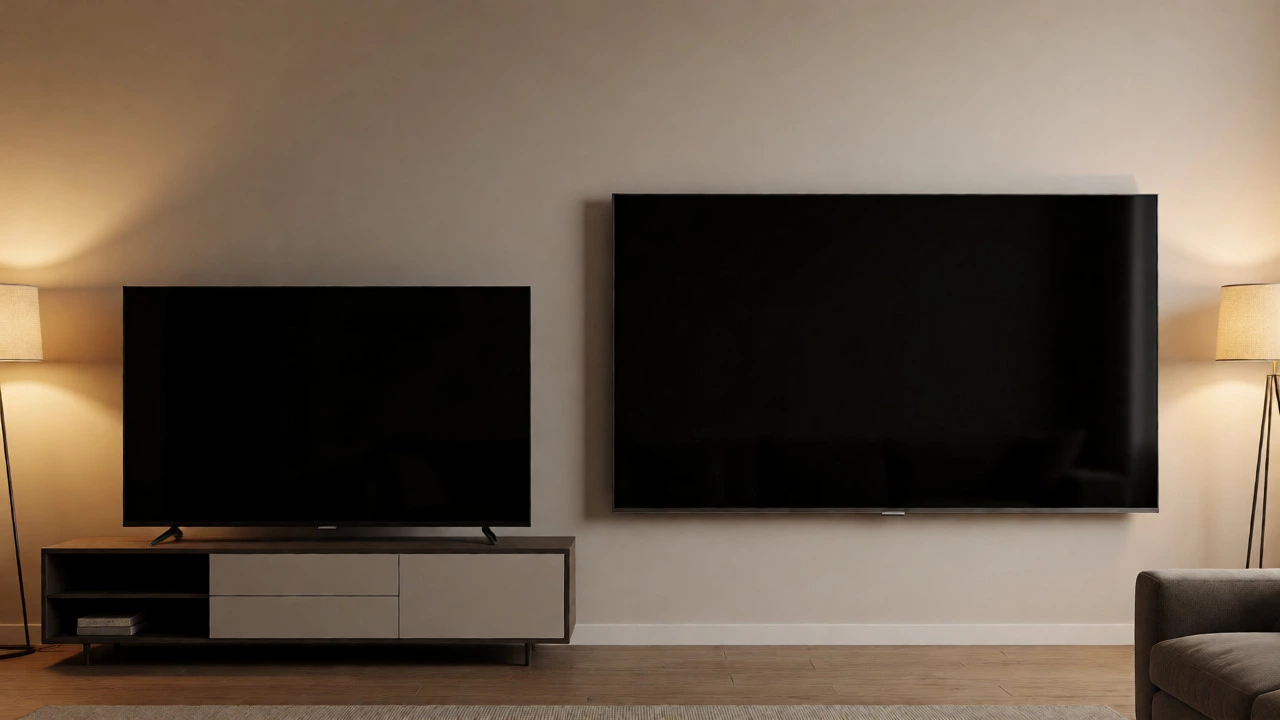
You’re standing in the electronics aisle or staring at your living room wall, wondering if that extra five inches on a 65-inch TV is worth the hassle. It feels like a small jump from a 60-inch model, right? But here’s the kicker: that five-inch difference in diagonal measurement doesn’t translate to a five-inch wider screen. In fact, the actual physical footprint changes are more nuanced, and getting it wrong means your new giant won’t fit on your existing media console.
This isn’t just about marketing numbers. The aspect ratio (usually 16:9) dictates how those diagonal inches spread out horizontally and vertically. If you’re upgrading from a 60-inch set, you need to know exactly how much extra width and height you’re dealing with before you buy a new stand or rearrange your furniture. Let’s break down the real-world dimensions so you don’t end up with a TV that overhangs your cabinet by two inches on each side.
The Math Behind the Diagonal
TV sizes are measured diagonally from corner to corner, not across the width. This is where most people get tripped up. A 65-inch TV isn’t five inches wider than a 60-inch one; it’s significantly wider because of the geometry involved. Both standard modern TVs use a 16:9 aspect ratio, meaning for every 16 units of width, there are 9 units of height.
To find the actual width and height, we use basic trigonometry. For a 60-inch TV, the screen width is approximately 52.3 inches, and the height is about 29.4 inches. When you bump up to a 65-inch TV, the screen width jumps to roughly 56.7 inches, while the height increases to around 31.9 inches.
| Metric | 60-Inch TV Screen | 65-Inch TV Screen | Difference |
|---|---|---|---|
| Diagonal | 60 inches | 65 inches | +5 inches |
| Width | ~52.3 inches | ~56.7 inches | +4.4 inches |
| Height | ~29.4 inches | ~31.9 inches | +2.5 inches |
| Screen Area | ~1,538 sq inches | ~1,808 sq inches | +17.5% area |
Notice the width increase? You’re gaining nearly four and a half inches of horizontal space. That might sound minor, but when you’re trying to center a TV on a specific piece of furniture, those inches matter. The screen area itself grows by about 17.5%, which is a noticeable visual upgrade, especially for gaming or sports viewing.
Bezel Width Matters More Than You Think
The numbers above cover just the screen glass. Your actual TV has a bezel-the frame around the display. Older 60-inch models often had thicker bezels, sometimes adding an inch or more to each side. Modern 65-inch sets tend to have thinner bezels, but they still exist. Some premium models boast "near-zero" bezels, but even those usually add 0.2 to 0.5 inches per side for structural integrity and sensor placement.
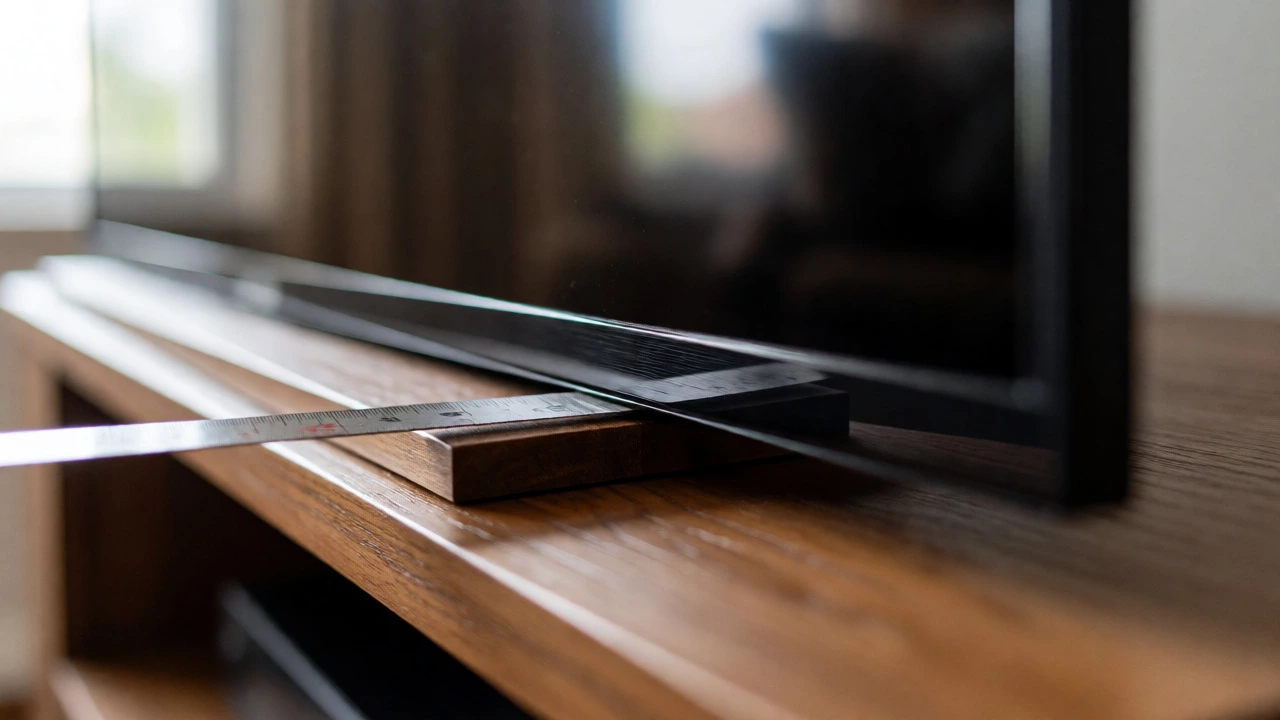
If you’re replacing an older 60-inch TV with a new 65-inch OLED or QLED, check the manufacturer’s spec sheet for "Chassis Width." This includes the bezel. A 65-inch TV with a slim bezel might measure 57.5 inches wide, while a budget model could hit 58.5 inches. Always plan for the chassis width, not just the screen width, when measuring your stand.
Will It Fit on Your Current TV Stand?
This is the million-dollar question. Most manufacturers recommend that the TV stand be at least as wide as the TV base, and ideally wider than the TV itself for stability and aesthetics. A common rule of thumb is that the TV should not extend beyond the edges of the stand by more than a few inches, though many prefer the TV to sit entirely within the stand’s width.
If your current stand was sized for a 60-inch TV, it likely measures between 54 and 60 inches wide. A 65-inch TV, with its chassis width hovering around 57-58 inches, will barely fit on a 54-inch stand. It will definitely overhang. Is that bad? Not necessarily. Many people prefer the TV to look larger than the stand. However, if your stand is only 50 inches wide, a 65-inch TV will look precarious and unstable.
Check the depth too. Newer TVs are slimmer in profile but often have deeper bases to prevent tipping. Measure the distance from the front edge of your stand to the back wall. Ensure the new TV’s base fits comfortably without hanging off the back, especially if you have cables running behind it.
Viewing Distance Guidelines
Bigger isn’t always better if you’re sitting too close. The Society of Motion Picture and Television Engineers (SMPTE) recommends a viewing angle of 30 degrees for mixed content and 40 degrees for immersive experiences like movies. Here’s how that translates to seating distance:
- For a 60-inch TV: Ideal viewing distance is 8 to 10 feet.
- For a 65-inch TV: Ideal viewing distance shifts to 9 to 11 feet.
If your sofa is less than 8 feet from the wall, jumping to a 65-inch screen might make pixels visible or cause eye strain during fast-paced action scenes. Conversely, if you sit 12 feet away, a 60-inch TV might feel underwhelming, and the 65-inch upgrade will feel justified.
Weight and Mounting Considerations
Don’t forget weight. A 65-inch TV typically weighs 40-60 pounds without the stand, compared to 30-45 pounds for a 60-inch model. If you’re using a wall mount, ensure it’s rated for the heavier load. Most universal mounts support up to 100 pounds, so you’re usually safe, but verify the VESA pattern compatibility. Larger screens often use different mounting hole patterns (e.g., 400x400mm vs 300x300mm).
If you’re placing it on a stand, consider the center of gravity. Larger screens are top-heavy. Ensure your stand is sturdy and level. An uneven floor can make a large TV wobble, which is annoying and potentially dangerous.
Price and Value Proposition
In 2026, the price gap between 60-inch and 65-inch models has narrowed significantly. Often, you can find a high-end 65-inch TV for the same price as a mid-range 60-inch set. Since panel manufacturing cuts are optimized for 65-inch panels now, they are often cheaper to produce than the slightly less common 60-inch size. This means you might get better features-like higher refresh rates or brighter HDR-for the same money by going bigger.
Frequently Asked Questions
Is a 65-inch TV significantly bigger than a 60-inch TV?
Visually, yes. While the diagonal difference is only 5 inches, the screen area increases by about 17.5%. The width increases by roughly 4.4 inches, which makes a noticeable impact on wall presence and immersion.
What is the actual width of a 65-inch TV?
The screen width is approximately 56.7 inches. Including the bezel, the total chassis width usually ranges from 57 to 58.5 inches depending on the brand and model design.
Can I put a 65-inch TV on a stand made for a 60-inch TV?
It depends on the stand's width. If the stand is at least 58 inches wide, it will fit securely. If it's narrower, the TV will overhang. Overhanging is aesthetically acceptable to some but requires checking stability and ensuring the base doesn't tip.
Does the aspect ratio change between 60 and 65-inch TVs?
No, both standard 60-inch and 65-inch TVs use a 16:9 aspect ratio. This ensures consistent scaling and fitting into standard entertainment centers designed for widescreen formats.
How far back should I sit from a 65-inch TV?
For optimal viewing, sit between 9 and 11 feet away. This distance allows you to see the full screen without moving your head excessively while maintaining image clarity.