Exact Dimensions of a 65 Inch TV and TV Stand Guide
Learn the precise width and dimensions of a 65-inch TV to fit your TV stand or wall mount. Includes real measurements, VESA details, and safety tips.
Choosing a new TV can feel overwhelming, especially when the spec sheet is full of numbers. The truth is, you only need a few key measurements to make a smart decision. In this guide we’ll walk through measuring the screen, figuring out the best viewing distance, and making sure the TV fits your wall or stand without a fuss.
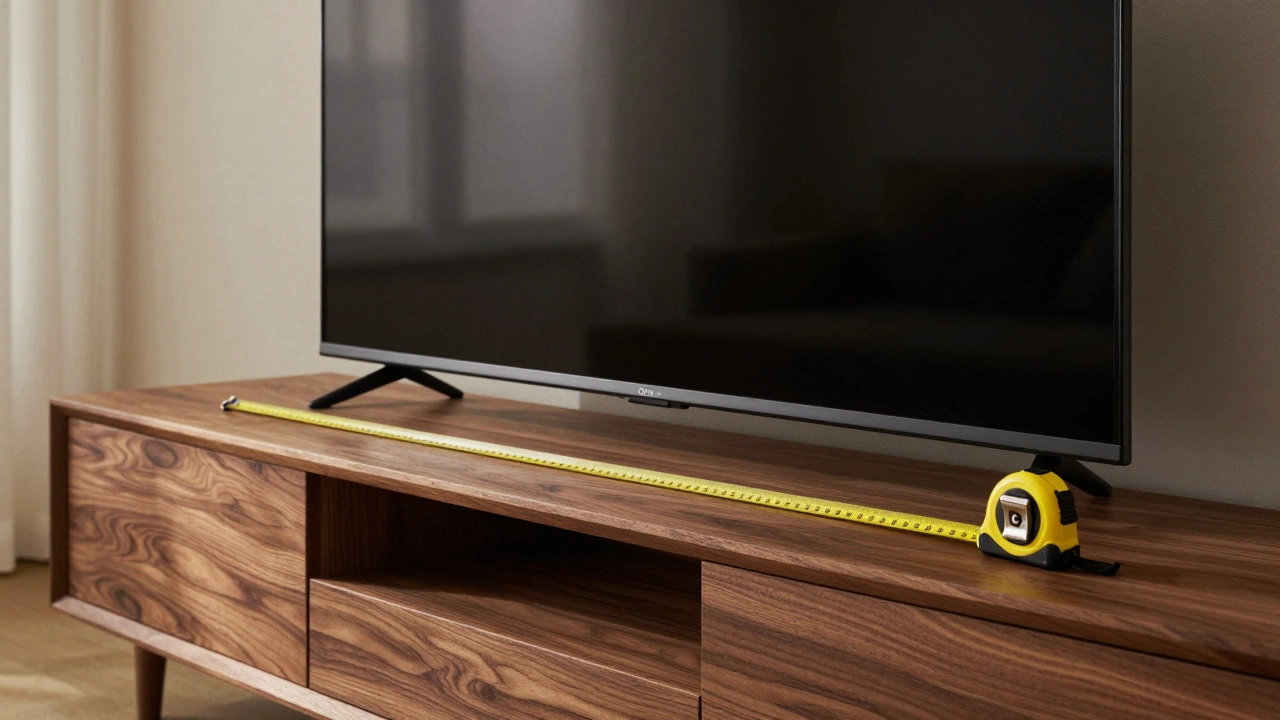
The first number you’ll see on a TV label is the diagonal screen size, measured from corner to corner. Grab a tape measure, place one end on the top left corner of the screen, and stretch it to the bottom right corner – don’t include the frame, just the visible display. That’s your diagonal.
Next, note the width and height. Most modern TVs use a 16:9 aspect ratio, which means the width is 1.78 times the height. If you know the diagonal, you can calculate the exact width and height using simple math, but most manufacturers list those numbers too. Write them down – you’ll need them when you check the space where the TV will sit.
Once you know the screen size, the next step is figuring out how far back you’ll be watching. A common rule is to sit at a distance that’s about 1.5 to 2.5 times the screen’s diagonal. For a 55‑inch TV, that’s roughly 6.9 to 11.5 feet. Sit at the lower end for a more cinematic feel, or the higher end for a relaxed, comfortable view.
If you have a 4K TV, you can sit a bit closer without seeing individual pixels. In that case, 1 to 1.5 times the diagonal works well. Test a few spots on your couch or chair – you’ll quickly feel the sweet spot where the picture looks sharp but not overwhelming.
Other factors matter too. Bright rooms may need a slightly smaller TV or a higher viewing distance to avoid glare. Dim rooms let you enjoy a larger screen without strain.
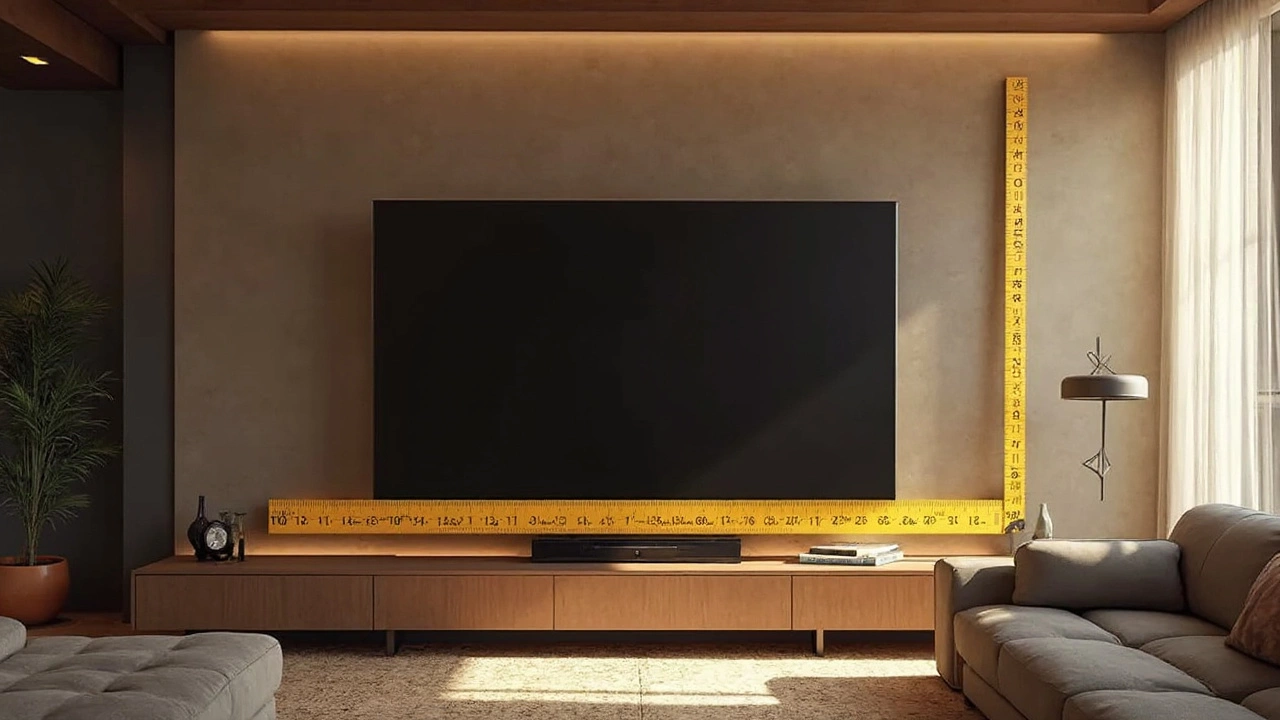
Now that you have screen size and viewing distance, it’s time to check the actual space. Measure the width and height of the furniture or wall opening where the TV will go. Leave at least an inch of clearance on each side for ventilation and cable access.
If you plan to mount the TV, measure the distance from the floor to the ideal eye level when seated. Most people find a center height of 42‑48 inches works well. Use a stud finder to locate studs, and make sure the mounting bracket can support the TV’s weight.
Don’t forget to think about the depth of the TV, especially with older models that have bulky stands. Modern panels are thin, but add a few centimeters for the stand if you’re not wall‑mounting.
Here’s a quick checklist to keep handy:
Follow these steps and you’ll avoid the common mistake of buying a TV that’s too big for the room or sitting too far away to enjoy the detail. With the right measurements, your new TV will look great, feel comfortable, and fit the space perfectly.
Learn the precise width and dimensions of a 65-inch TV to fit your TV stand or wall mount. Includes real measurements, VESA details, and safety tips.
Television sizes often lead to confusion, especially when a 65-inch TV might not be precisely 65 inches across. This article explores how TV measurements work, why diagonal measurements are used instead of width or height, and whether a 65 inch TV will fit your space and TV stand. Understanding these dimensions can help in choosing the perfect stand and setup for your home. Real-life tips for aligning your TV with your space make this a practical guide for any TV buyer.