The Reality Behind Diagonal Measurements
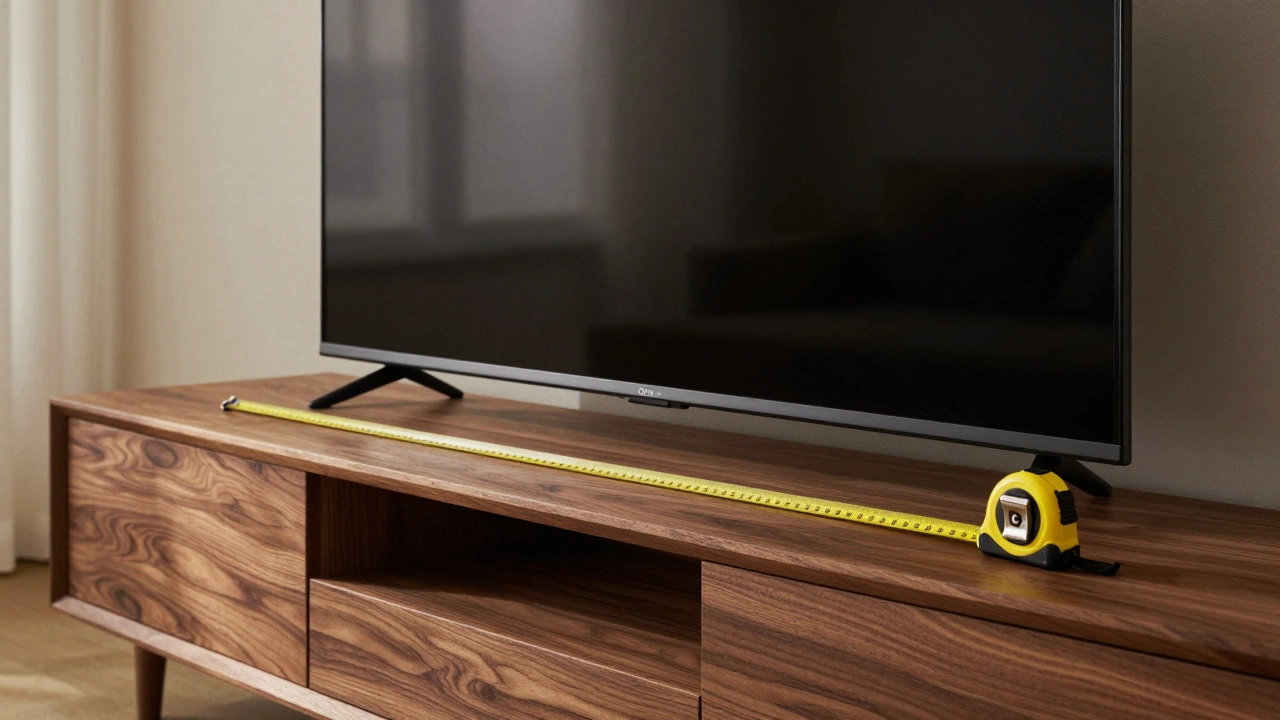
You likely know that televisions are sold by their diagonal screen size, but that number can be misleading when trying to fit a 65-inch TV into your living room. When manufacturers say 65 inches, they mean the distance from one corner of the display panel to the opposite corner. They are not telling you the width from left to right. In a real-world scenario, you need the horizontal width to check against your TV stand width. For a standard 16:9 aspect ratio screen, a 65-inch diagonal translates to roughly 57 inches of actual width. This is the critical number you should keep handy when shopping around.
This dimension isn't just a random guess; it follows a specific mathematical formula based on the Pythagorean theorem. If you divide the diagonal (65) by the cosine of the angle derived from the aspect ratio, you get the physical width. Most modern panels stick strictly to this 16:9 format whether they are 4K UHD or the newer 8K resolutions available now. While the pixel count changes drastically between these formats, the physical housing remains surprisingly consistent across different generations released in the last few years.
Why Widths Vary Between Brands
If you measure two different 65-inch televisions side by side, they might look identical but have slightly different footprints. The reason lies in the bezel. The bezel is the thin border surrounding the active picture area. Some brands use minimal bezels to create a borderless look, while others require thicker frames for structural support. A 65-inch Samsung model might be 56.7 inches wide, whereas a LG OLED version could stretch to 57.2 inches. It sounds like a minor difference, but those extra half-inches matter when your cabinet has only an inch of wiggle room on either side.
Height also fluctuates depending on the manufacturer's design choices. Generally, the vertical height sits between 32 and 34 inches without the stand included. You have to remember that the feet or pedestal attached to the bottom of the TV add significant height. If you plan to place the unit directly on a surface rather than mounting it to a bracket, the base typically extends the total height another 3 to 4 inches. This matters for stacking decor on top of a console or ensuring the viewing angle remains correct relative to your seating position.
Fitting Your Current TV Stand
Owning a solid wooden entertainment center or a glass shelf unit often means checking clearance limits before bringing home a new screen. A common mistake buyers make is assuming the TV fits because the width looks similar to their old set. To safely sit a 65-inch set on furniture, your stand needs to be at least as wide as the TV, ideally wider. Think about the "overhang." Having a few inches of empty stand space on the left and right sides helps balance the load and keeps the unit from tipping over accidentally.
Weight capacity is just as crucial as surface area. Modern display panels are lighter than heavy CRT monitors from the past, but they still pack serious density. A typical 65-inch LED TV weighs around 30 pounds, while larger OLED models or high-spec units might push toward 45 pounds. If your existing stand is designed for smaller sets, it might lack the structural integrity to hold the load evenly. Over time, an under-specified stand can warp or crack, potentially damaging the expensive display resting on it.
| Panel Technology | Approximate Width | Approximate Height | Typical Depth |
|---|---|---|---|
| OLED | 56.7 inches | 32.7 inches | 2.5 inches |
| QLED / Mini-LED | 57.1 inches | 33.1 inches | 3.5 inches |
| Standard LED | 57.5 inches | 33.4 inches | 3.0 inches |
Notice how the thickness of the device correlates with the technology type. Thinner screens generally indicate higher-end panels where internal components are compressed tightly. This slim profile affects how deep your media console needs to be. You don't want the TV sticking out precariously over the edge of the unit, creating a safety hazard. Ensure your furniture has enough depth to accommodate the rear ports and cables, which usually requires adding an extra inch or two beyond the screen body itself.
Wall Mounting Considerations
Sometimes, sitting a TV on furniture isn't the desired setup. Many homeowners prefer a clean look using a flush wall mount. Here, the physical width becomes less relevant than the VESA pattern. The VESA pattern is the grid of screw holes located on the back of the television used to attach the mounting bracket. For a 65-inch set, this is commonly found in the range of 300mm by 300mm or up to 400mm by 400mm. If your mount supports a pattern close to these specs, you have compatibility.
However, even with wall mounts, width dictates placement. Standard drywall studs are spaced 16 inches apart. If you install a fixed plate spanning multiple studs, the stability depends on proper engagement. Articulating arms that allow you to swivel the TV must also account for the weight and leverage point. A 65-inch TV is large enough that poor tension on the arm can cause it to drift downward over months of use. Checking the maximum payload rating of the mount against the TV's weight ensures everything stays secure during daily viewing sessions.
Depth and Cable Management
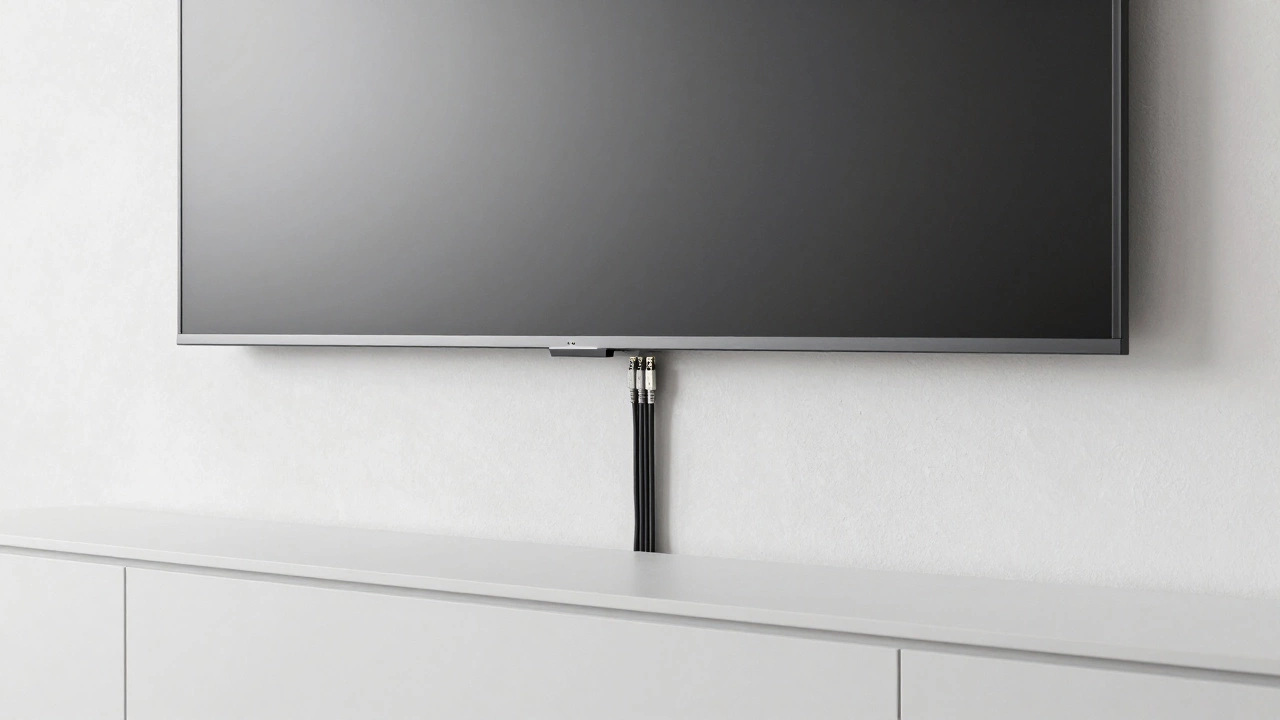
We often forget the depth of the connection zone until we try to plug in devices. Modern consoles, streaming sticks, and soundbars connect through HDMI 2.1 or USB ports located on the back edges of the chassis. These connections add to the total reach. If your TV stand has a back panel with shelves, you need to check the gap between the wall and the front of the stand. The TV itself might be only 3 inches thick, but once you tuck cables into the gaps and plug them in, that effective depth increases.
Cable management channels inside some furniture pieces help hide wires, but they also take up space. Measure the clearances precisely. There is nothing worse than setting up a massive TV only to realize your surround sound receiver won't fit in the designated slot behind the screen because the depth was miscalculated. Planning this early prevents messy installations and ensures your audio equipment functions without airflow restrictions caused by tight packing.
Viewing Distance Recommendations
Beyond physical fit, the size influences how far away you should sit for the best experience. With a 65-inch display, the recommended viewing distance balances immersion with comfort. Industry standards suggest sitting about 1.5 times the screen width. Doing the math, 57 inches multiplied by 1.5 puts the ideal spot roughly 7 to 8 feet away from the screen. If your couch is permanently placed further back, this screen size provides a cinematic feel without overwhelming the room.
Conversely, sitting too close on high-resolution screens makes individual pixels visible in extreme cases, though modern 4K panels mitigate this issue significantly. If your room layout is very small, such as a compact bedroom, a 65-inch model might dominate the space visually even if it physically fits the desk. Always factor in the visual bulk of the device, not just its footprint dimensions, to maintain good interior flow in your home environment.
Troubleshooting Fit Issues
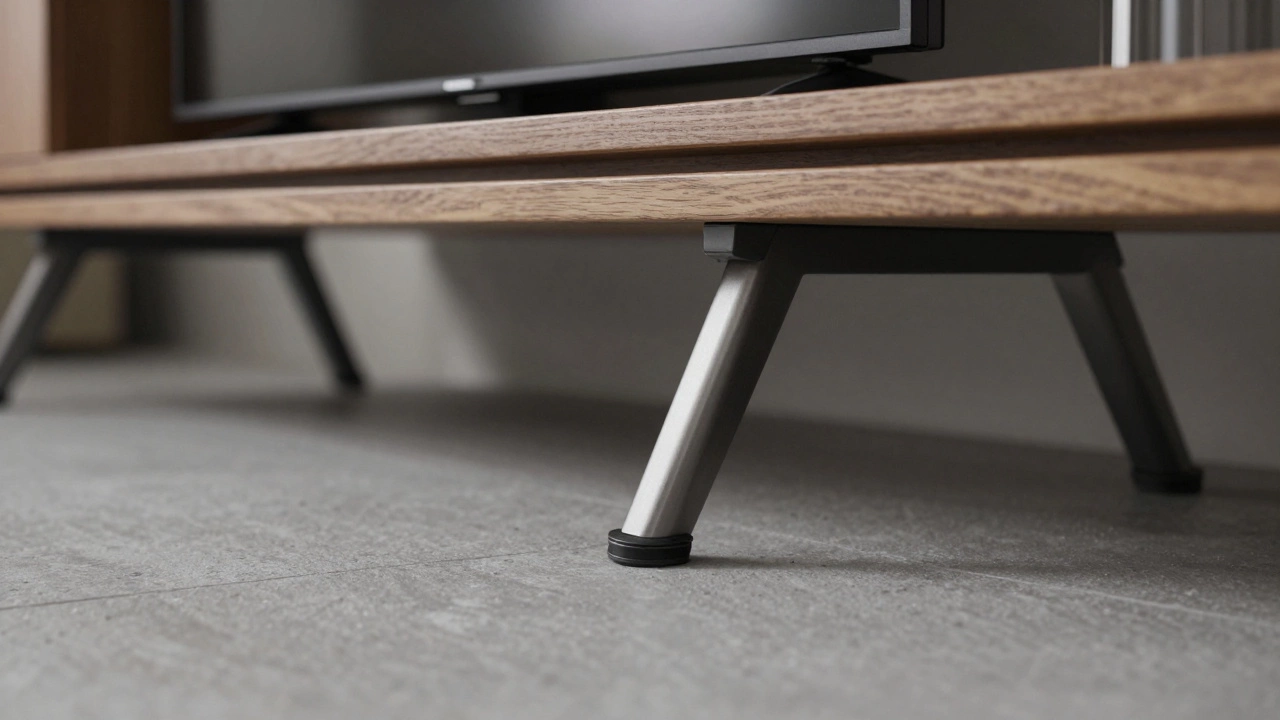
If you discover your measured space is tight, there are ways to adapt before giving up on the upgrade. First, consider removing bulky feet. Many TVs offer optional wall-mount adapters or low-profile bases that sit directly on the stand without the protruding plastic pedestal. Removing these legs often drops the overall width by a fraction of an inch and reduces the height footprint significantly. Second, verify the orientation of your power cord. Sometimes rotating the TV slightly helps avoid cable strain near corners.
In some scenarios, moving the entire furniture piece makes more sense than fighting for millimeters. Shifting a media console a foot forward can change the perspective of the room entirely while accommodating the new hardware comfortably. Remember that modern displays often come with removable kickstand feet designed for flexibility. Keeping the original packaging boxes in storage is wise too, as replacement parts are rarely available once you open the product, making modifications difficult later on.
What is the exact width of a 65-inch TV in inches?
A standard 65-inch TV is approximately 56.7 to 57.5 inches wide depending on the bezel thickness. The screen itself is 16:9 aspect ratio, resulting in a theoretical width of 56.9 inches.
Will a 65-inch TV fit on my 50-inch stand?
No, a 50-inch stand is too narrow. You need a stand that is at least 57 inches wide to safely support a 65-inch TV. Ideally, aim for a stand that is 2 inches wider than the TV for better stability.
Does the VESA size matter for 65-inch models?
Yes, most 65-inch TVs use a 300x300mm or 400x400mm VESA pattern. Your wall mount bracket must match this grid exactly to screw securely into the back of the unit.
How much do 65-inch TVs weigh?
Most weigh between 30 to 45 lbs depending on the panel technology. OLEDs tend to be lighter, while Mini-LED and heavy metal-backed LCDs may approach the higher end of that range.
Should I include the feet width in my measurements?
Absolutely. The feet or stand assembly adds width beyond the screen edge. Always measure the total footprint including the feet to ensure it clears corners or cabinets.